
1 prompt found for "Royal Heritage"
Clear search
All AI Prompts
Showing 1 template
Traditional & Temple
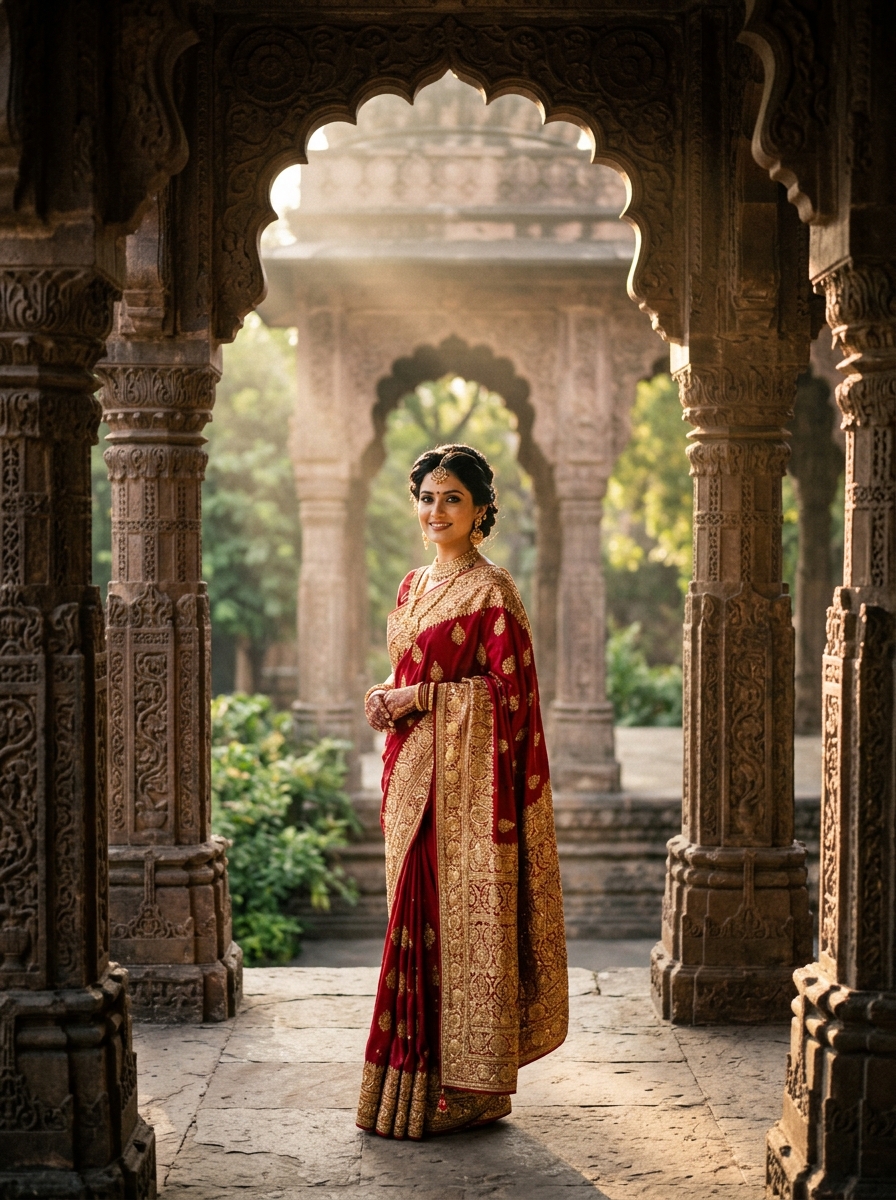
Royal Heritage Temple Courtyard
Grand heritage cinema poster featuring a regal close-up portrait, side profile, and full-body stance surrounded by ancient carved stone temple arches and royal title typography.
A grand Indian heritage theatrical cinema poster featuring the subject from the uploaded photo with 100% strict facial identity preservation.
[MULTI-PORTRAIT COMPOSITION & LAYERING]
- Background Layer: An oversized, regal close-up portrait of the subject's face occupying the upper section. Serene yet commanding expression, detailed facial bone structure, warm temple-lantern rim lighting highlighting the jawline and hair.
- Secondary Layer: A mid-shot side profile of the SAME PERSON turned slightly towards ancient stone carvings.
- Foreground Layer: A full-length representation of the EXACT SAME PERSON standing with poise in the center-foreground on reflective temple stone.
[ATTIRE & STYLING]
Exquisite royal traditional attire with rich golden zari embroidery, layered antique temple jewellery, and fragrant fresh flowers.
[BACKGROUND & GRAPHICS]
Historic temple courtyard with monolithic carved granite pillars, glowing oil lamps, floating golden incense smoke, and regal Sanskrit-inspired typography reading "SANATANA" positioned across the lower mid-section with an elegant subtitle.
[LIGHTING & COLOR]
Warm golden lantern glow, deep antique amber and stone-grey cinematic color grading, ultra-sharp details, movie-poster composite quality. Negative constraints: no mismatched facial features, no deformed hands, no plastic skin, no blurry eyes.